
Use case

Run browser and email agents in isolated workspaces

Keep each browser or email automation in its own identity so credentials, inbox state, notes, and tasks do not leak across flows.

Browser automations often accumulate fragile state. When inboxes, tasks, and notes are shared across agents, one broken run can contaminate the rest of your workflow.

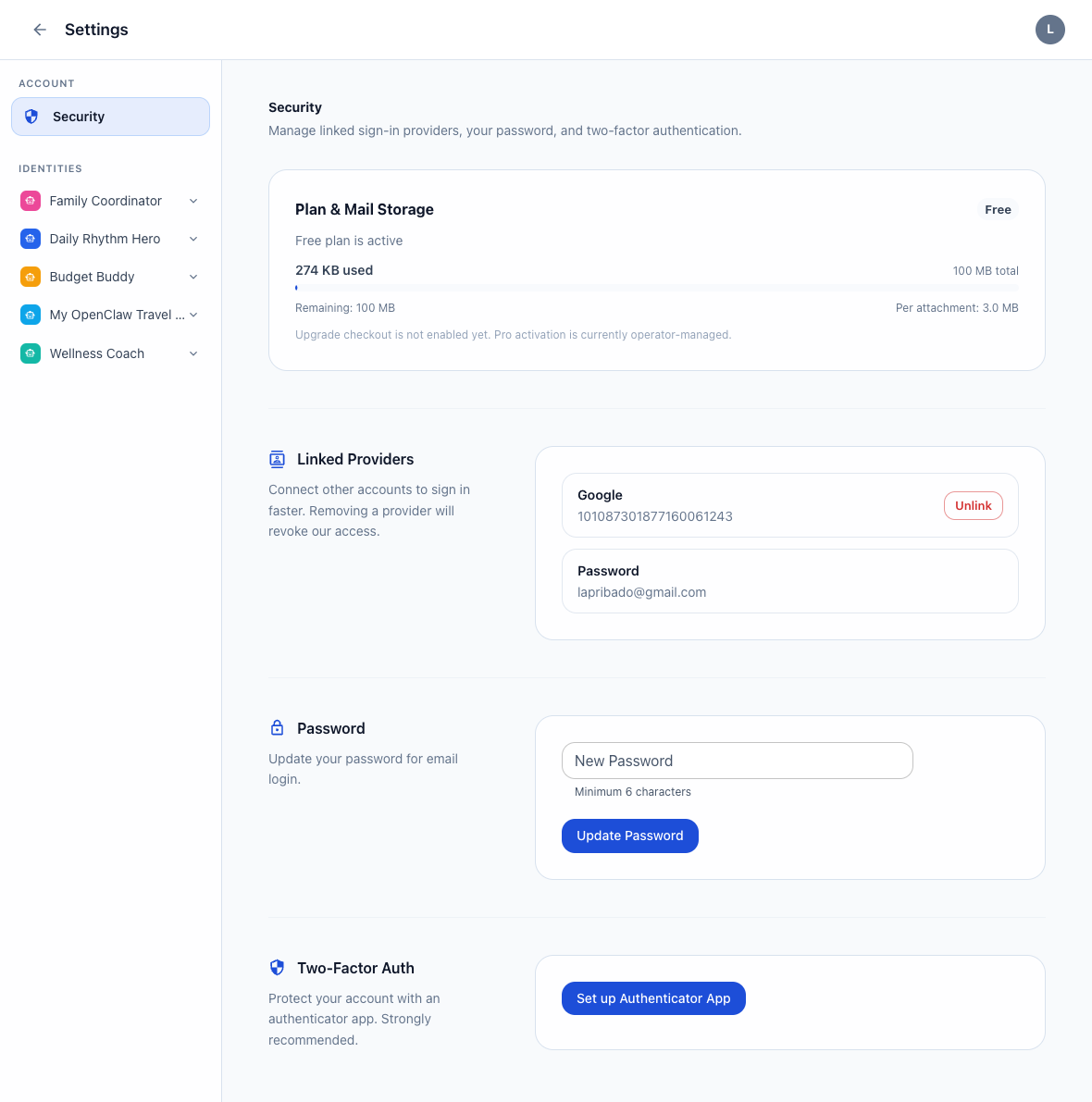
AnonyStack security and settings screenshot

What changes

AnonyStack gives you a clean identity boundary for each automation while still exposing the apps and API tokens needed to operate programmatically.

Short workflow

  1. Create an identity for one browser or email automation flow.
  2. Issue a token scoped only to the apps that automation needs.
  3. Store runbooks, tasks, and schedule data inside the same isolated workspace.
  4. Rotate or revoke the token without impacting other identities.

Proof points

  • Identity-scoped API tokens with per-app permissions.
  • Mail and workspace data isolation by default.
  • Token revocation and secret reveal flows already live in the console.

Activation flow

Start with the same three-step loop

Step 1

Create account

Start on anonystack.com, then open the console on console.anonystack.com without linking a personal inbox or phone number.

Step 2

Create identity

Provision one isolated identity per agent, workflow, or customer stream and enable only the apps that identity needs.

Step 3

Open inbox and workspace

Use the identity mail inbox plus notes, tasks, calendar, and kanban as the operating layer for that agent.

Best for

Use this pattern when

  • Browser agents that need long-lived state and a separate inbox.
  • Email automations that should not share credentials with unrelated tasks.
  • Builders who want one API token per automation.

Avoid when

This pattern is not ideal for

  • Single-purpose scripts that do not need identity separation.
  • Teams that want one global token spanning every workflow.

Related guides

Go deeper on identity setup and workflow boundaries

Create Isolated Identities For Browser Automation

Read guide

Safe Api Token Patterns For Agent Identities

Read guide