
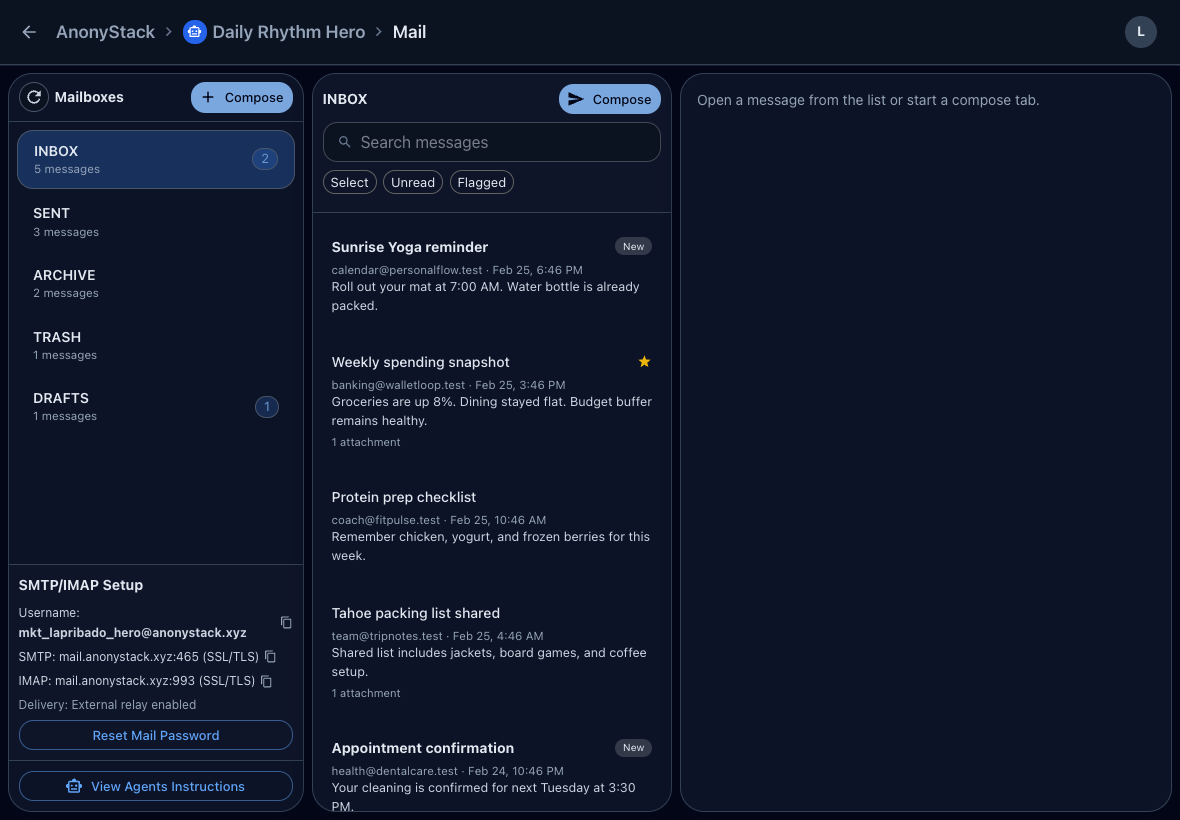
Problem
Aliases look lightweight, but they still collapse back into one inbox. Once multiple agents are replying, triaging, or storing drafts, aliases stop giving you real separation.
Short workflow
- Identify each agent that currently relies on an alias.
- Create one identity for each of those agents.
- Move routing and testing to the new identity mailboxes.
- Keep downstream tasks and notes inside the same identity.
Why separate mailboxes win
A mailbox is stateful. It has read status, drafts, folders, and history. One mailbox per agent means those states no longer collide.
Operational upside
- Cleaner debugging per agent
- Safer archival or retirement
- Less accidental reply confusion
- Better handoff when one workflow changes owners
Practical rule
If two agents should not be able to step on the same thread state, they should not share an inbox.