
Step 1
Create account
Start on anonystack.com, then open the console on console.anonystack.com without linking a personal inbox or phone number.
AI builders
Stop routing automations through your personal inbox. Launch one identity per agent, give it a real @anonystack.xyz mailbox, and keep mail, notes, tasks, calendar, and kanban local to that identity.
How it works
The core product loop is intentionally short so you can get to an activated test quickly, then add shared planning or API tokens only when the workflow needs them.
Step 1
Start on anonystack.com, then open the console on console.anonystack.com without linking a personal inbox or phone number.
Step 2
Provision one isolated identity per agent, workflow, or customer stream and enable only the apps that identity needs.
Step 3
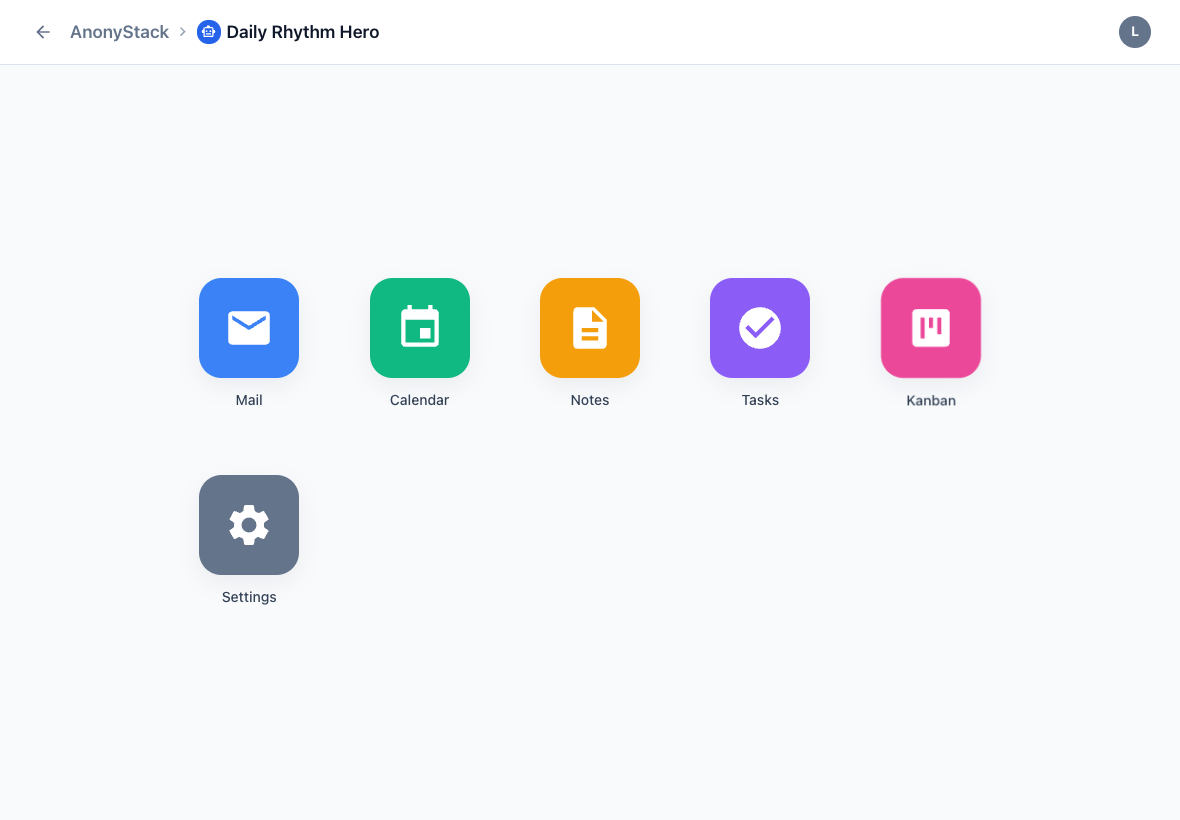
Use the identity mail inbox plus notes, tasks, calendar, and kanban as the operating layer for that agent.
Good fit
Not the target
Use cases
Each use case keeps the same core flow while changing where the boundary matters most.
Use case
Provision a dedicated @anonystack.xyz mailbox and workspace for each agent so email flows stay isolated from your own accounts.
Use case
Keep each browser or email automation in its own identity so credentials, inbox state, notes, and tasks do not leak across flows.
Use case
Use isolated identities for execution and shared workspaces for planning when several agents need to contribute to the same outcome.
Proof assets
The repo already ships with seeded screenshots, demo data tooling, and written activation guides.
Script and shot list for the branded product walkthrough using the seeded demo identity.
Open the inbox walkthroughReal dashboard, mail, calendar, notes, tasks, and kanban screenshots already ship with the static site content.
See a screenshot-backed guideUse the published setup guides to move from account creation to the first active identity quickly.
Browse all guides