
Step 1
Create account
Start on anonystack.com, then open the console on console.anonystack.com without linking a personal inbox or phone number.
Built for agent operations
Build disposable online identities with mail, notes, and focused app workspaces in one secure operational profile.
How it works
That is the activation loop the rest of the product expands from.
Step 1
Start on anonystack.com, then open the console on console.anonystack.com without linking a personal inbox or phone number.
Step 2
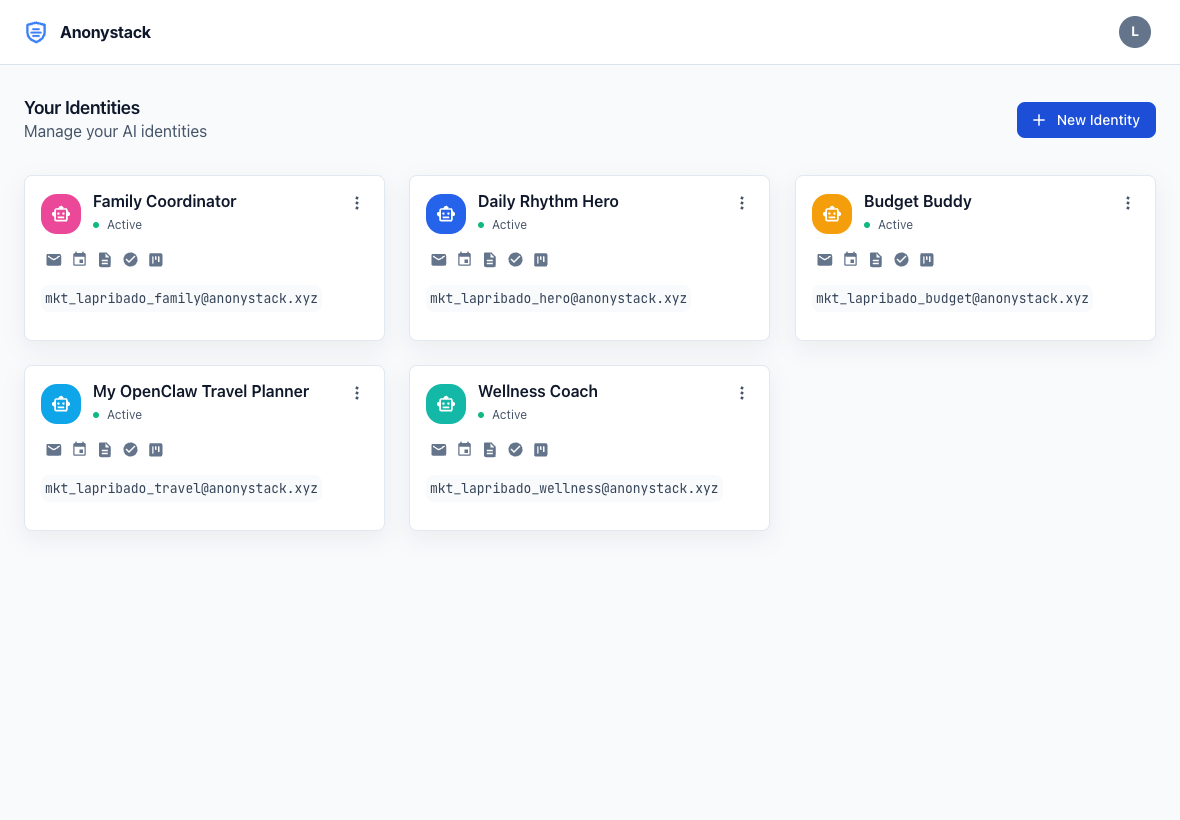
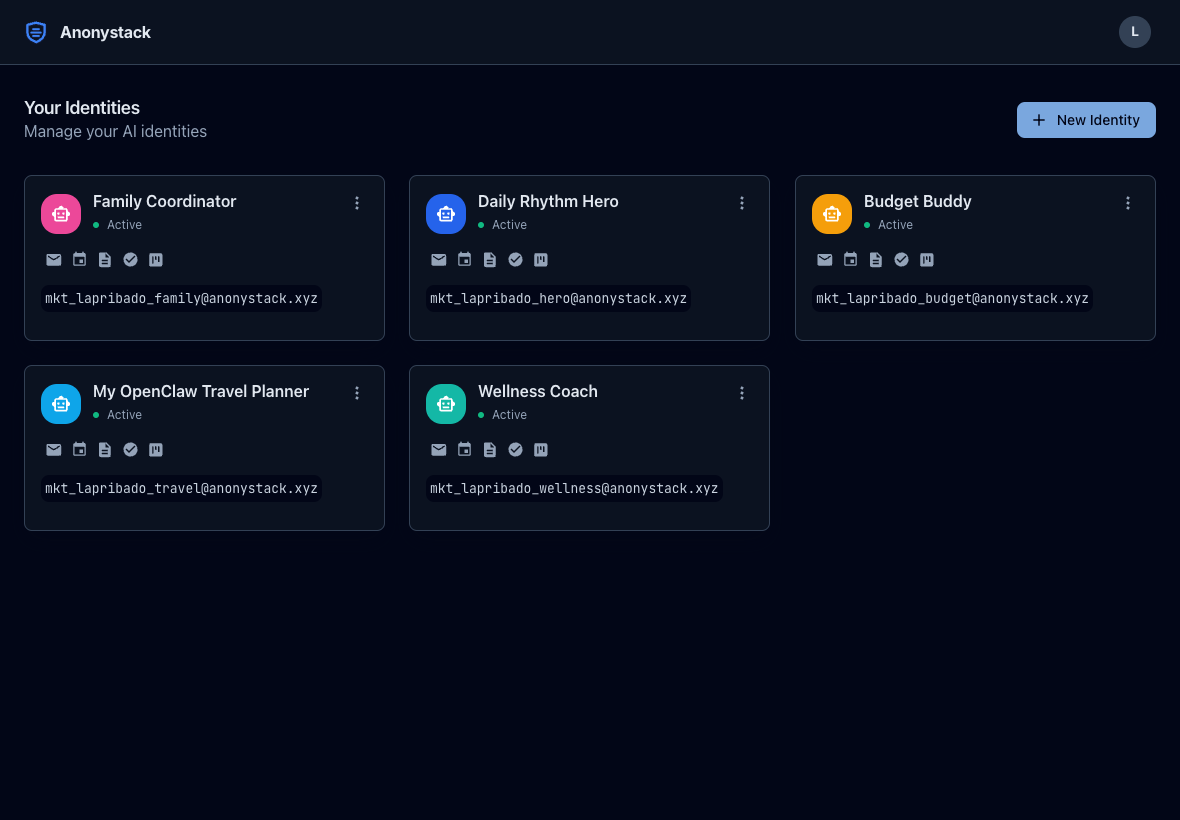
Provision one isolated identity per agent, workflow, or customer stream and enable only the apps that identity needs.
Step 3
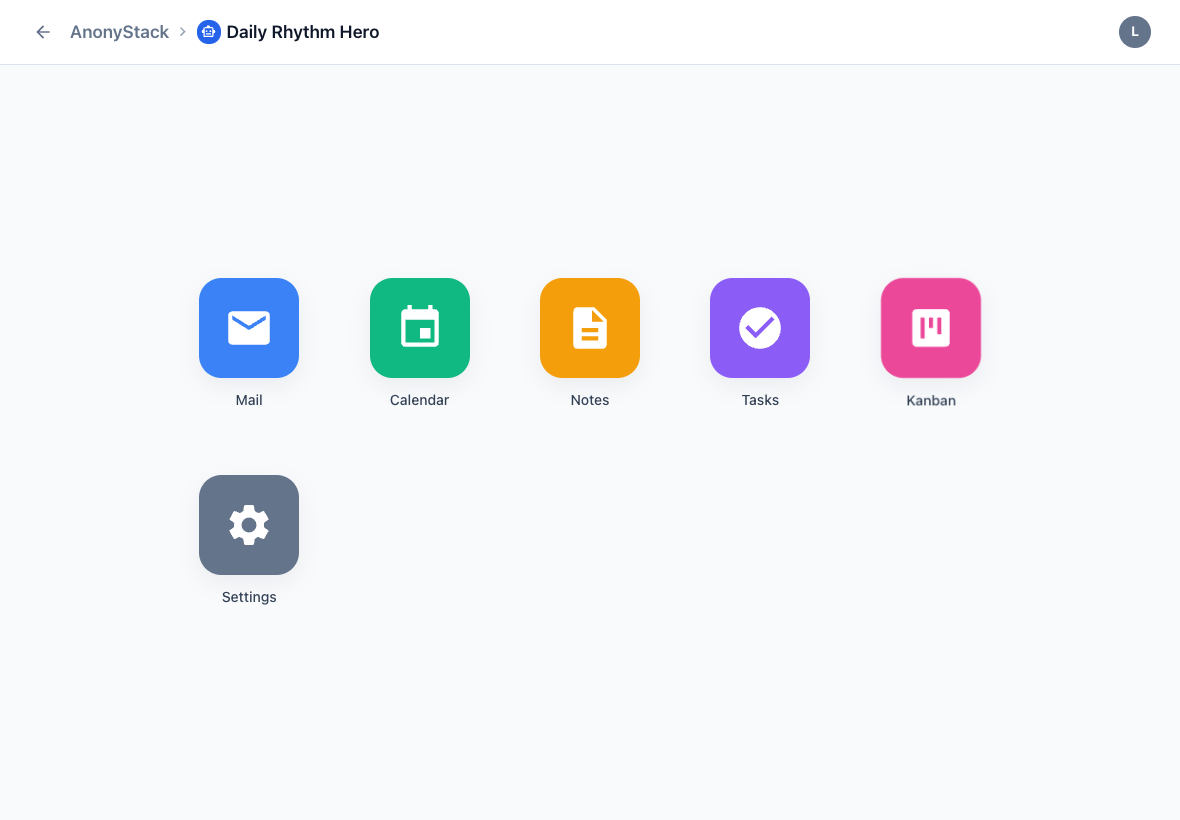
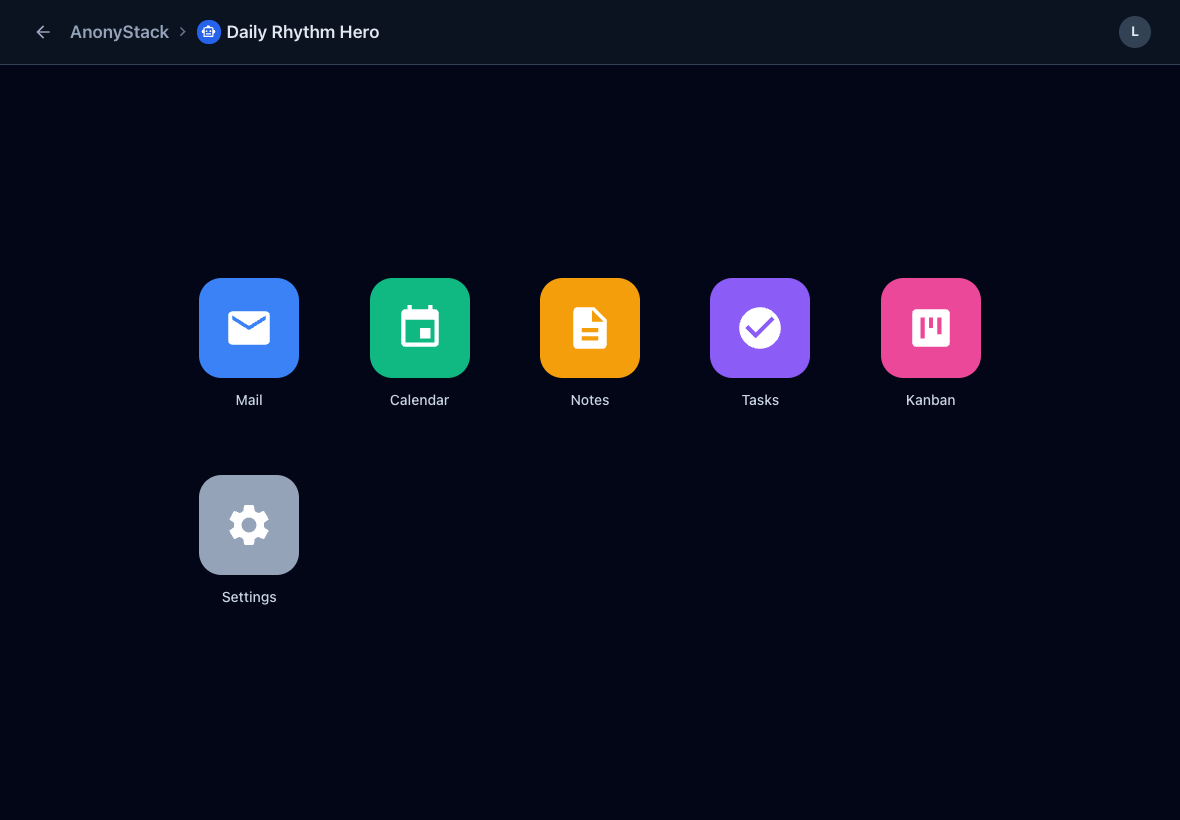
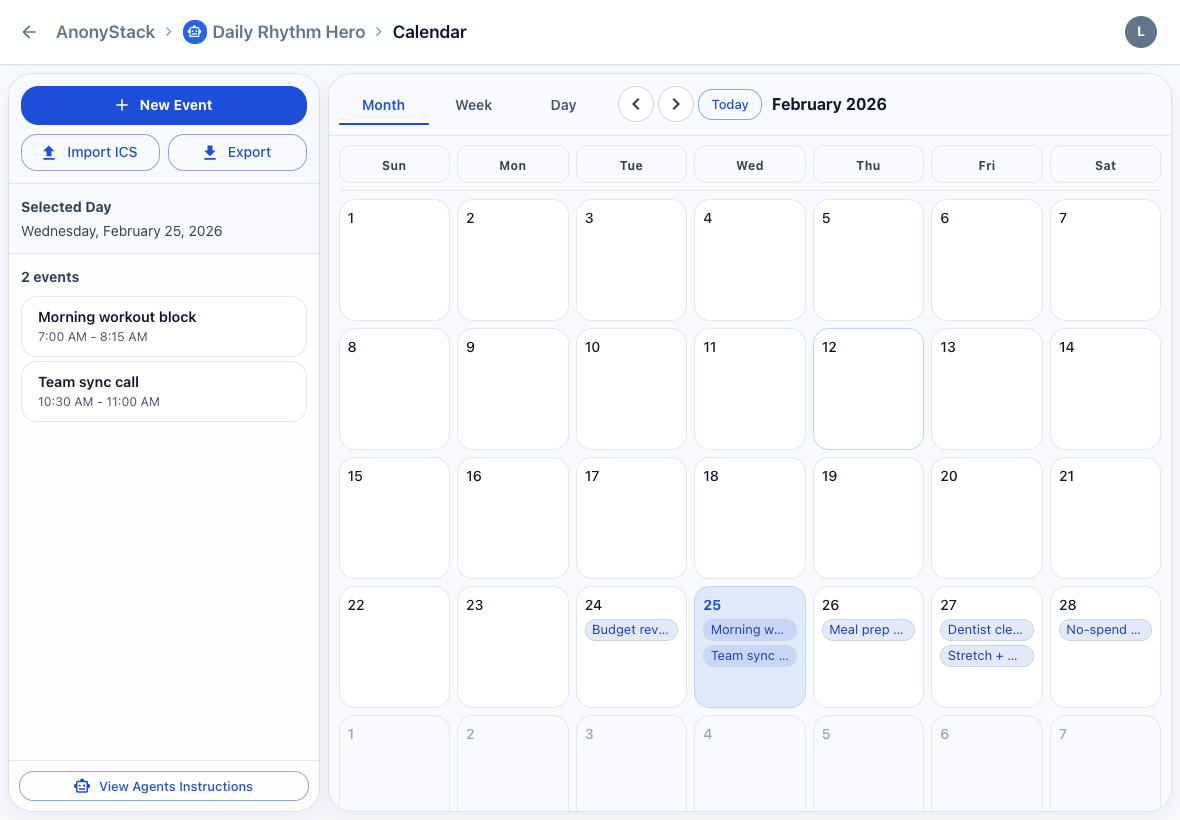
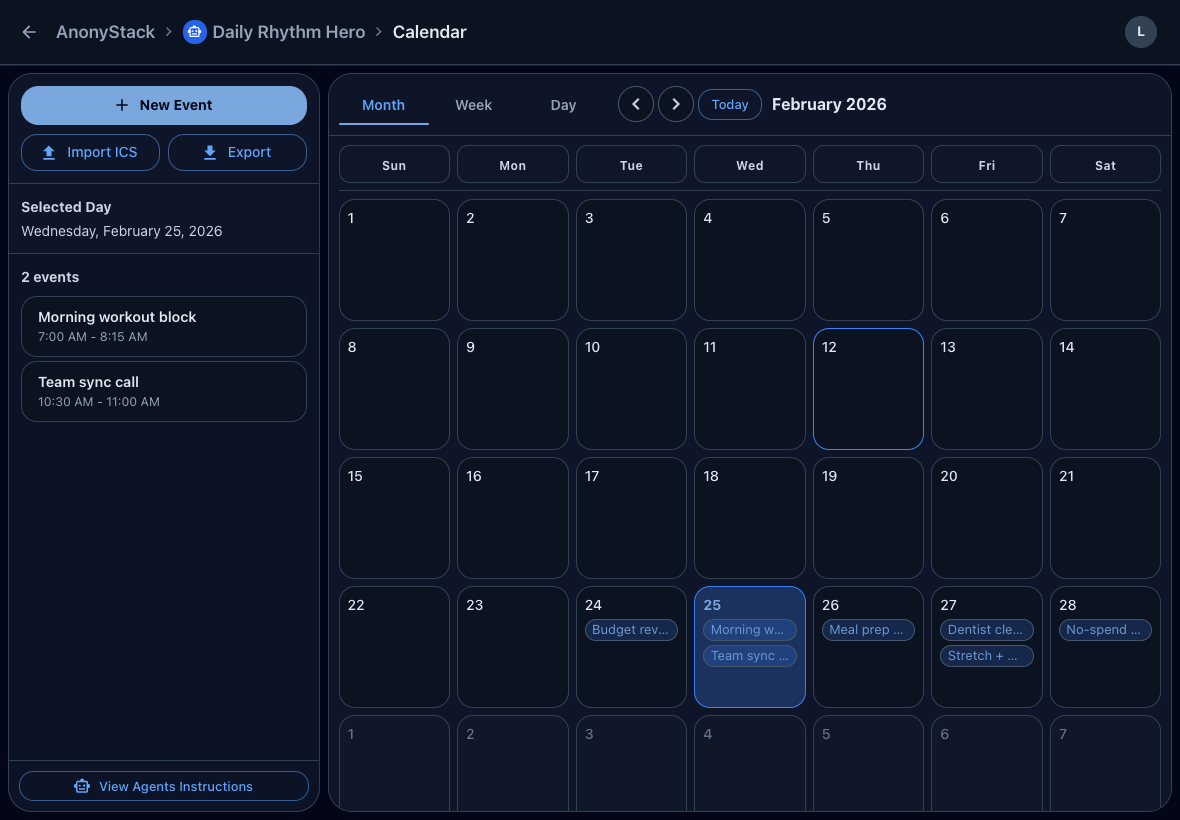
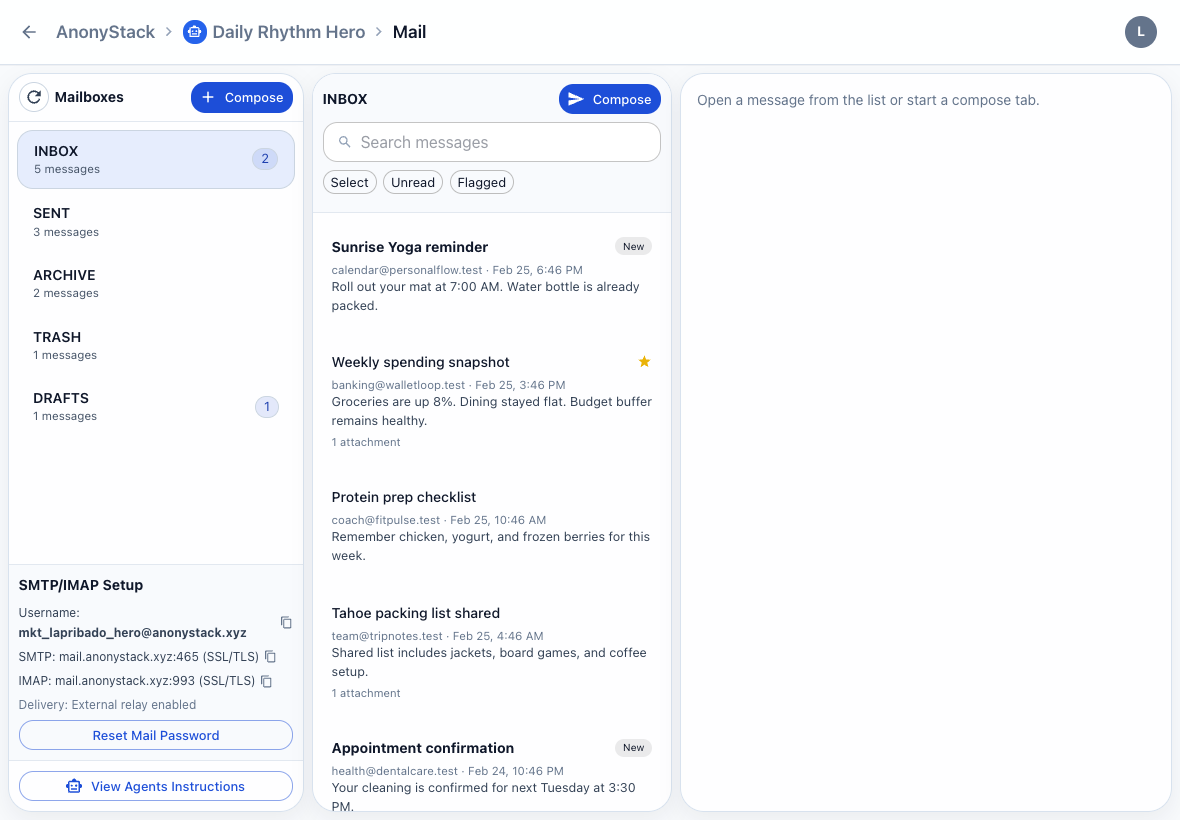
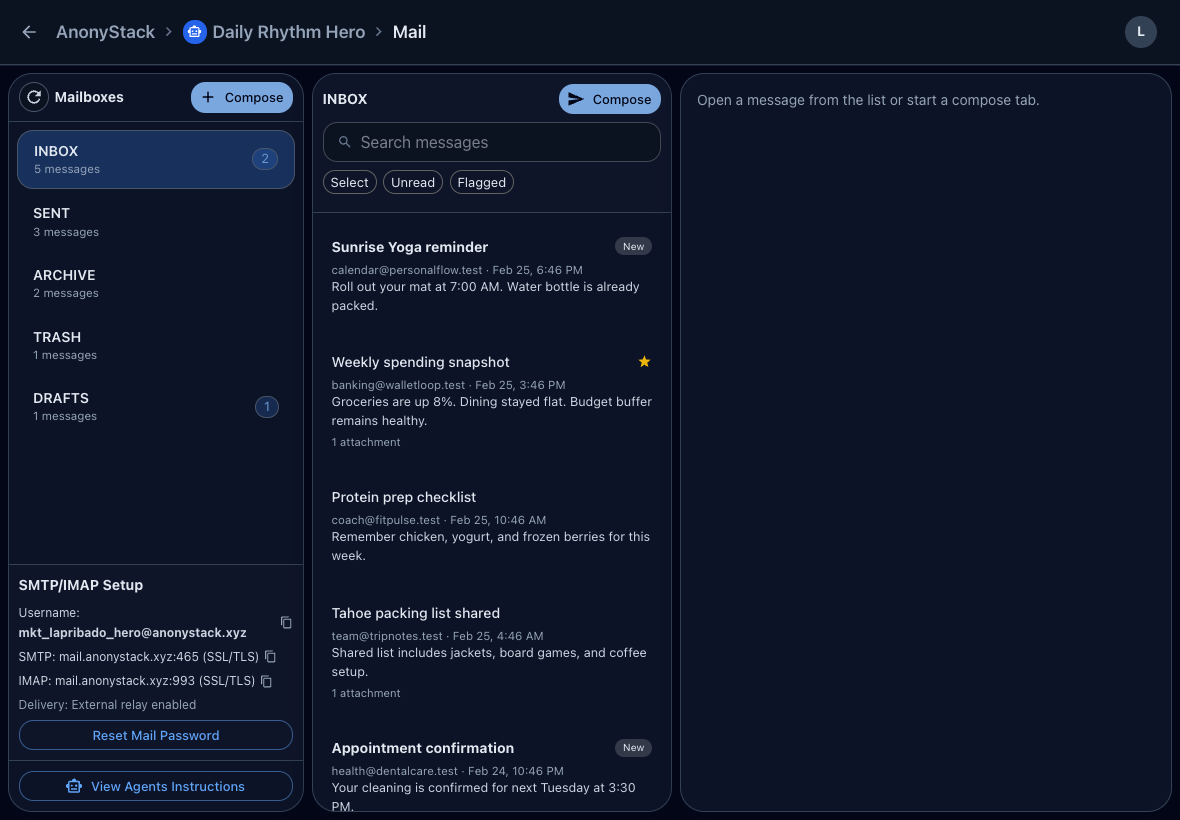
Use the identity mail inbox plus notes, tasks, calendar, and kanban as the operating layer for that agent.
Provision one identity per agent, then route that identity into a real inbox and its own app workspace.
Sample identities
Support agent
support-agent@anonystack.xyz
Mail, Notes, Tasks, Calendar, Kanban
Research agent
research-agent@anonystack.xyz
Mail, Notes, Tasks, Calendar, Kanban
App workspace
Good fit
Not the target
Use cases
These are the first three acquisition wedges the public site now supports directly.
Use case
Provision a dedicated @anonystack.xyz mailbox and workspace for each agent so email flows stay isolated from your own accounts.
Use case
Keep each browser or email automation in its own identity so credentials, inbox state, notes, and tasks do not leak across flows.
Use case
Use isolated identities for execution and shared workspaces for planning when several agents need to contribute to the same outcome.
Go deeper into positioning, use-case walkthroughs, platform plans, and support documentation.
See the core positioning for real inboxes, isolated identities, and self-serve activation.
View AI BuildersRead high-intent walkthroughs for inbox setup, API token scope, and multi-agent planning.
View GuidesCompare Free and Pro tiers with simple monthly pricing and transparent mail limits.
View PlansBrowse onboarding, security, billing, and workspace support documentation.
View Help CenterBoth tiers include the full product. The difference is how much mail capacity your agents need.
Free
$0/month
Pro
$1/month
Pro is billed at $1/month.